Download ApliArte free on android
APK file apliarte 1.0.73How to install APK / APKS / OBB file on Android
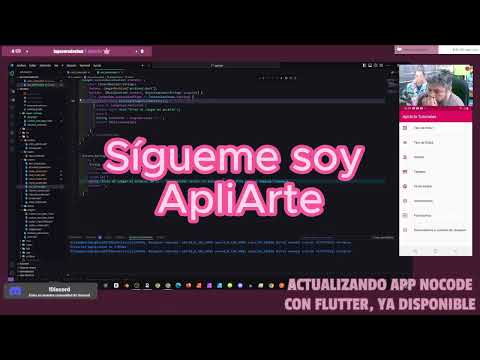


Discover the incredible world of Flutter with our app that combines a super easy-to-use interface with real-time code examples. We show you the most popular Flutter widgets, from basic to advanced, and there's more to come! We are constantly adding new widgets as I learn them or implement them in my own apps.
Also, don't miss my daily live streams on Twitch under the name ApliArte. I'm in the middle of a Flutter zero to pro challenge since 4/4/23 where I'm learning to code from scratch without having any prior programming idea. It's crazy! During the live stream, I will share my journey, tips and tricks to master Flutter and create amazing apps.
Whether you're a curious beginner or an experienced developer, our app will give you the tools you need to master Flutter and take your mobile development skills to the next level. Download now and join the fun as we discover new widgets together!
- LicenseFree
- File nameapliarte
- File Version1.0.73
- Package namecom.mobincube.android.sc_ST8Y4
- Size10.5 MB
- UploadedSeptember 3, 2025
- Android7.0 or later

- CategorySocial
- DeveloperApliArte Erbolamm TutoGrati
- Developer sitehttps://www.erbolamm.com/
- Developer emailerbolamm@gmail.com
- md5 hash99d8003a20cdfbbf1e44caef1f58c43b
- Architecture-
- Permissionsshow (10)
